Pick a template
Choose your event type and a design; titles and layout adapt automatically.
Beautiful invitation pages your guests can reply to in seconds.
Pick a template made for your kind of event, edit everything right on the invitation, and share one link. Guests see the schedule, maps and a countdown, and their RSVP lands straight in your guest list.
Automatic RSVP availability depends on the selected event package.
Made for real event planning
Memorama brings practical tools together, so the details stay organized before the celebration and the moments stay close afterward.
Make it yours
Explore a few examples of how this feature can look as part of your event experience. Tap one to try it live.
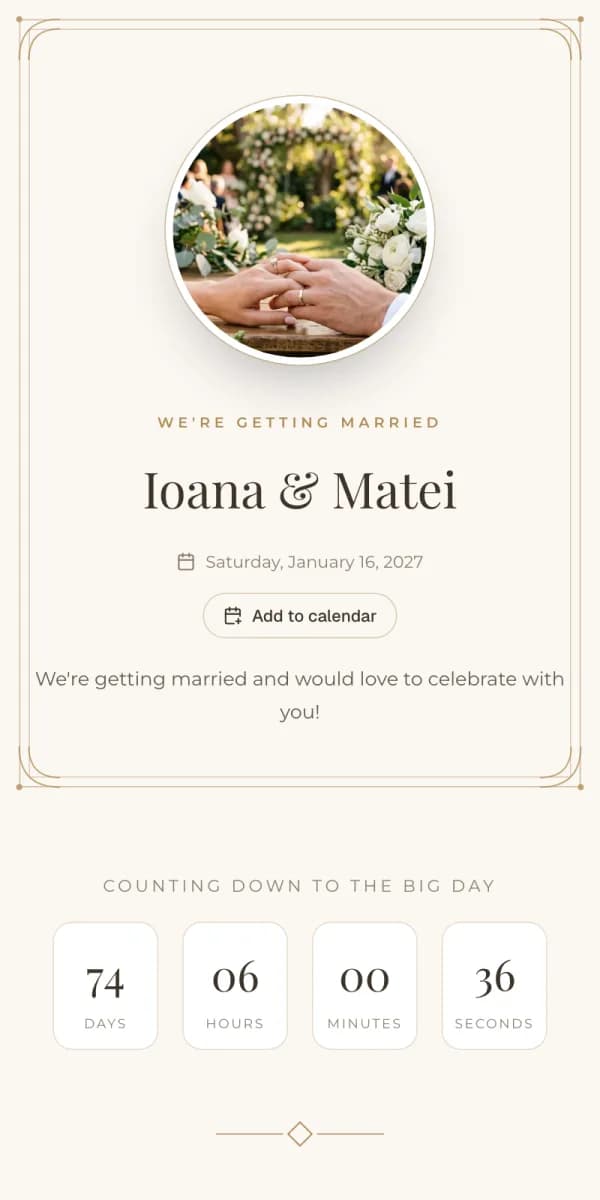

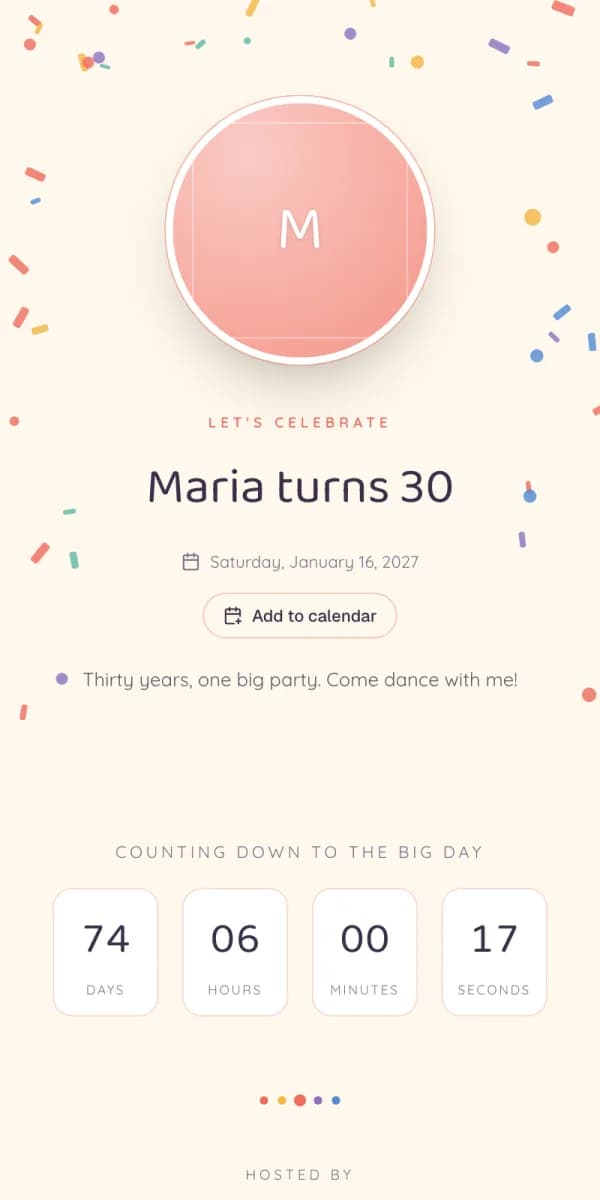
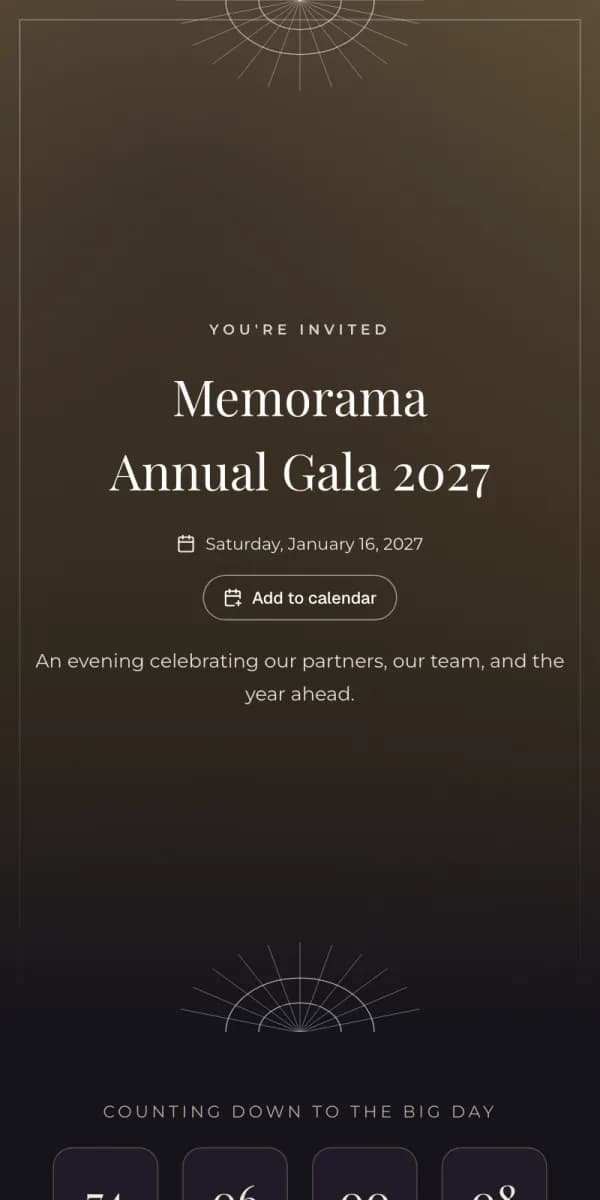
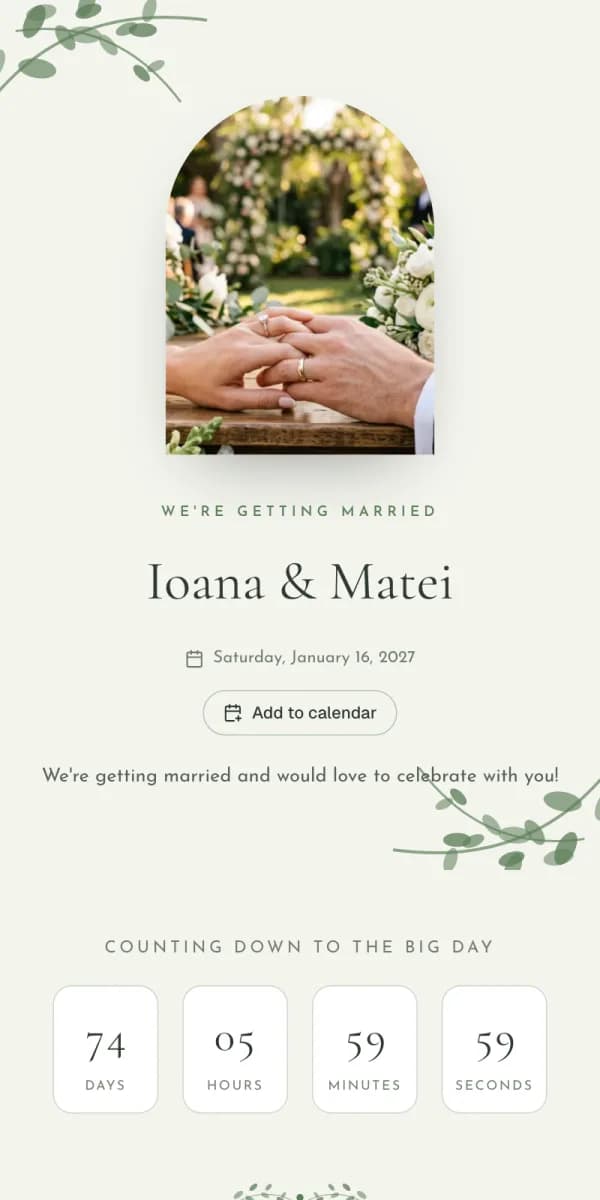
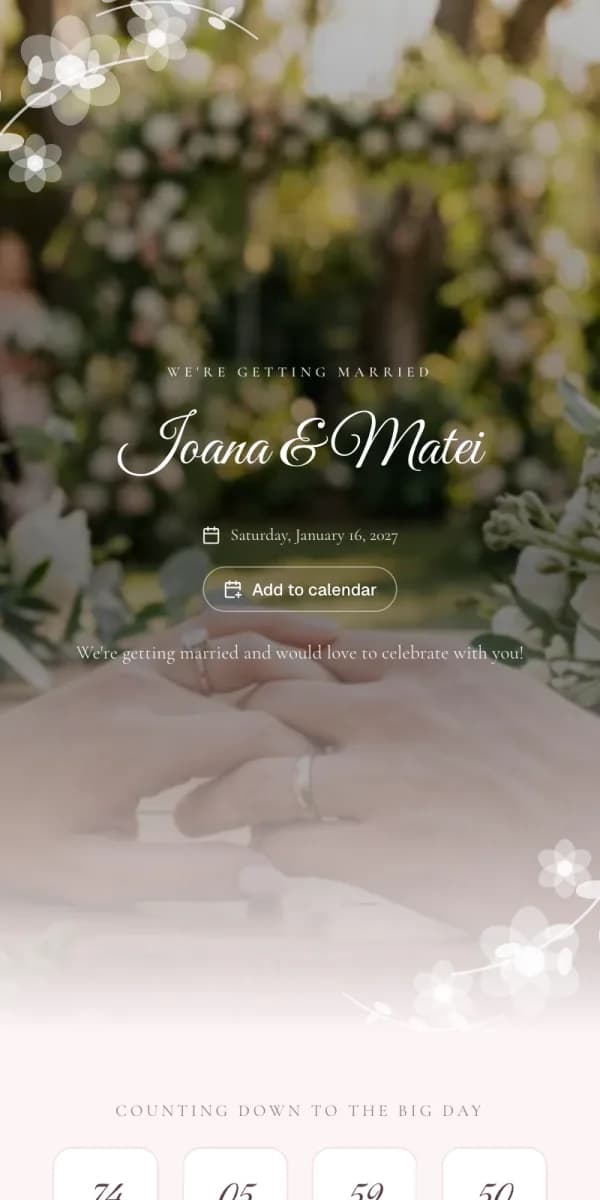
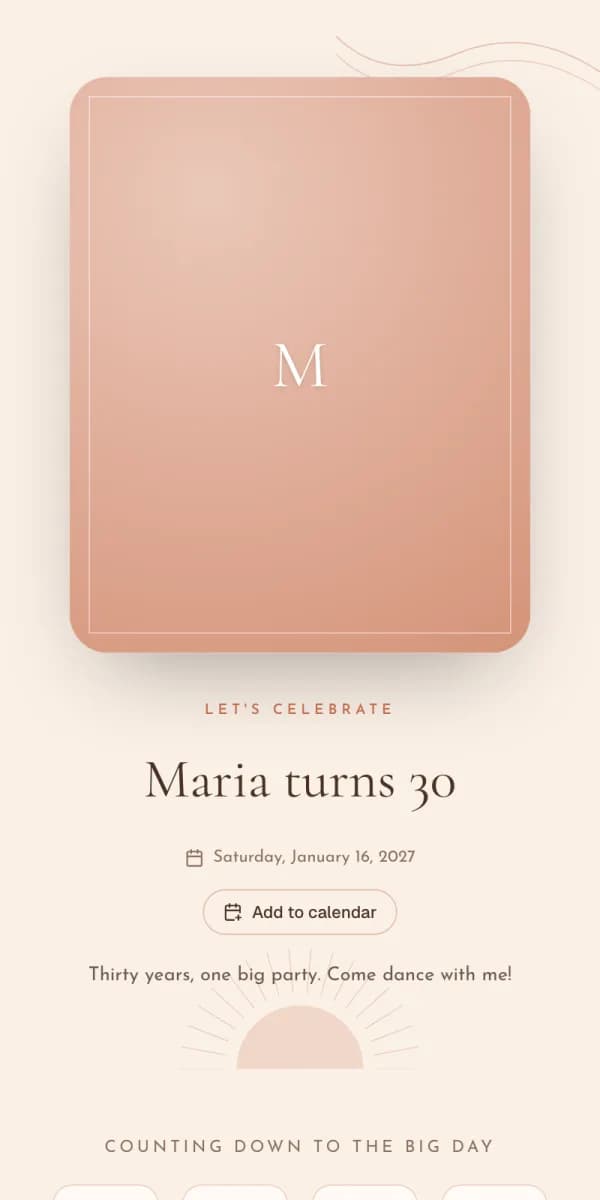
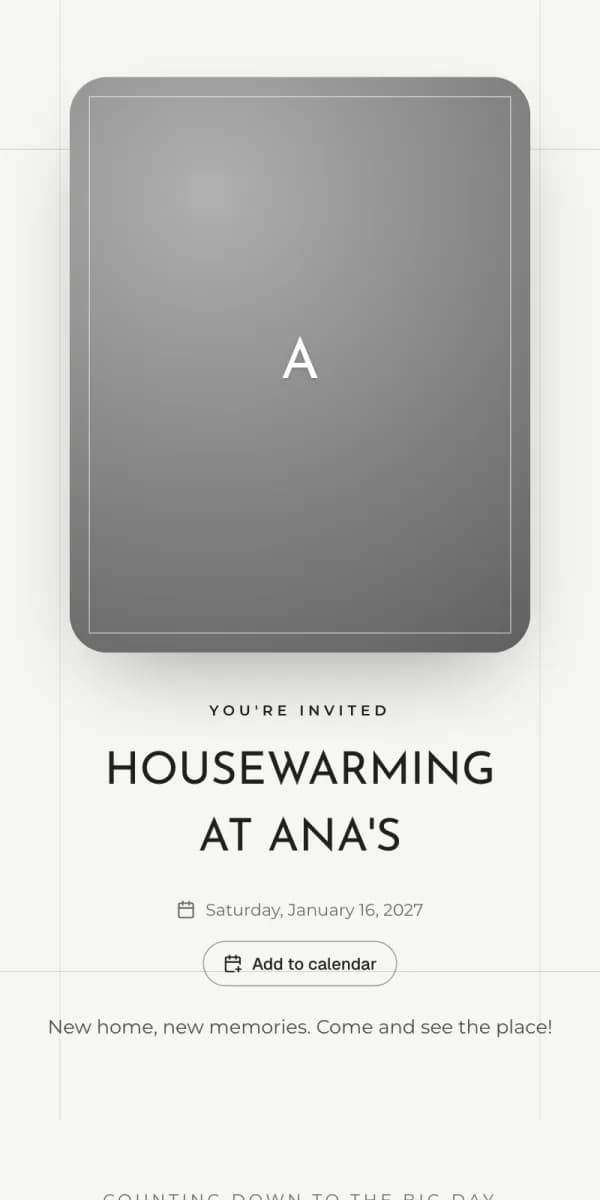
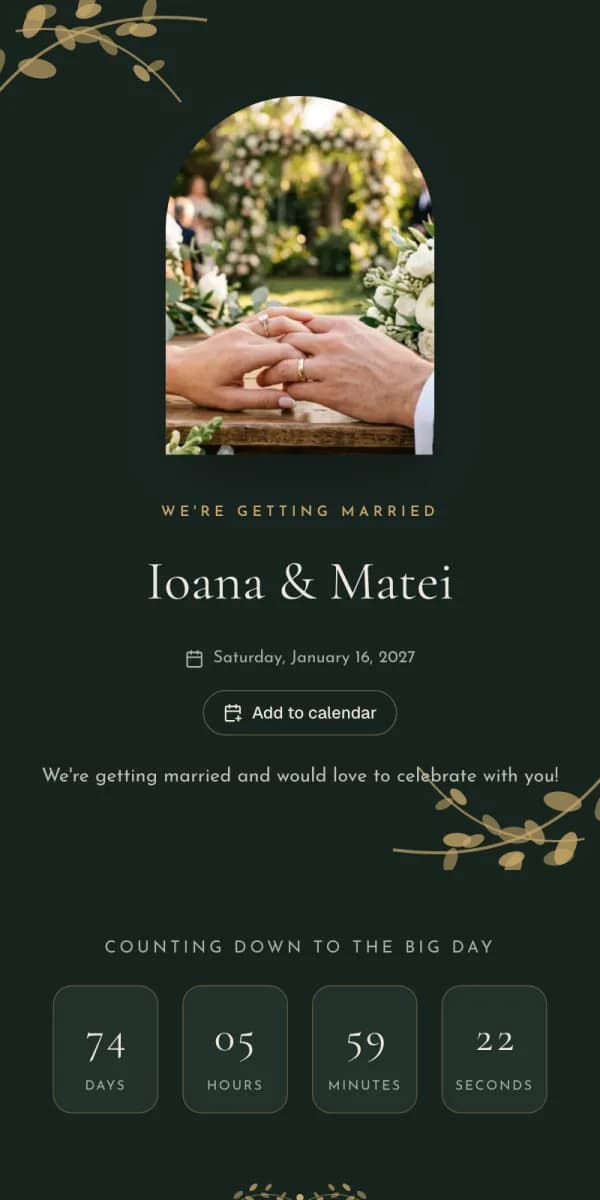
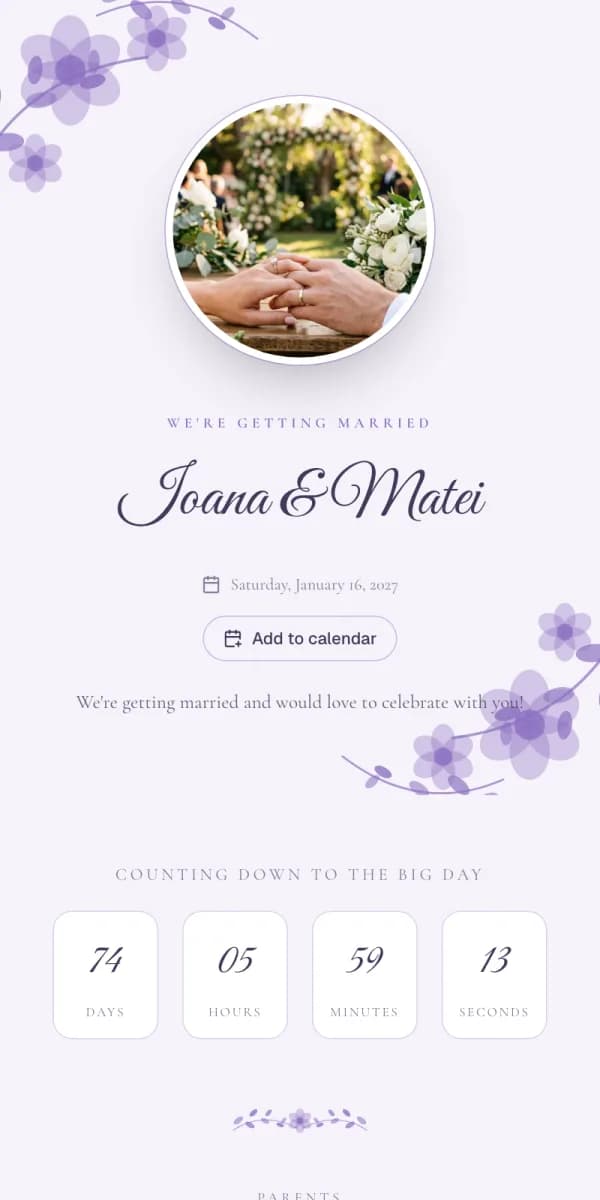
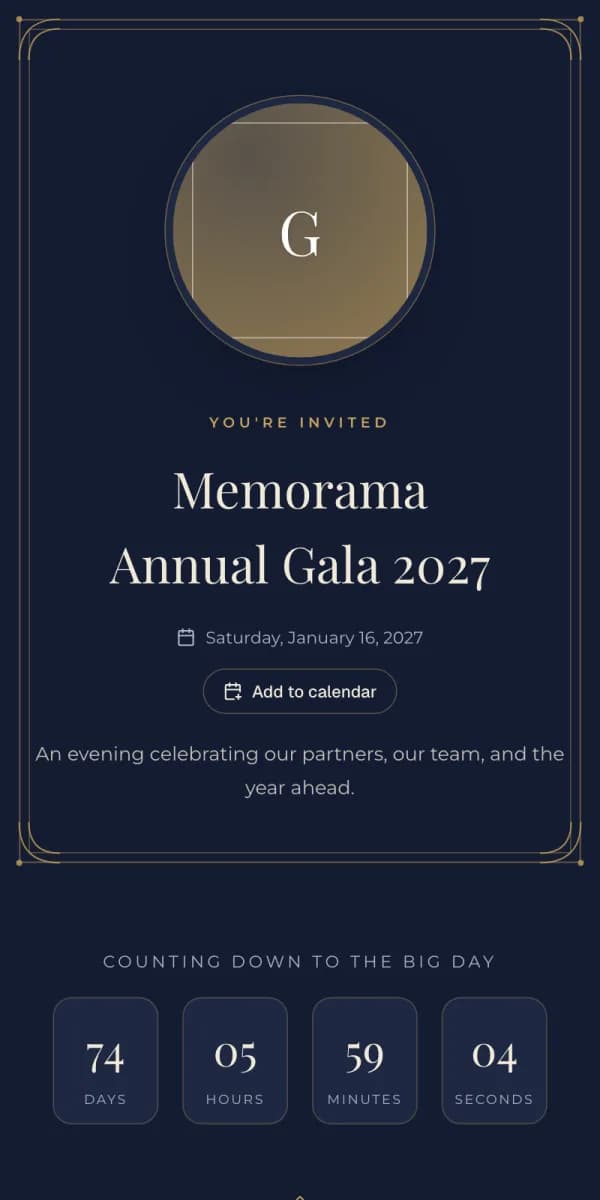
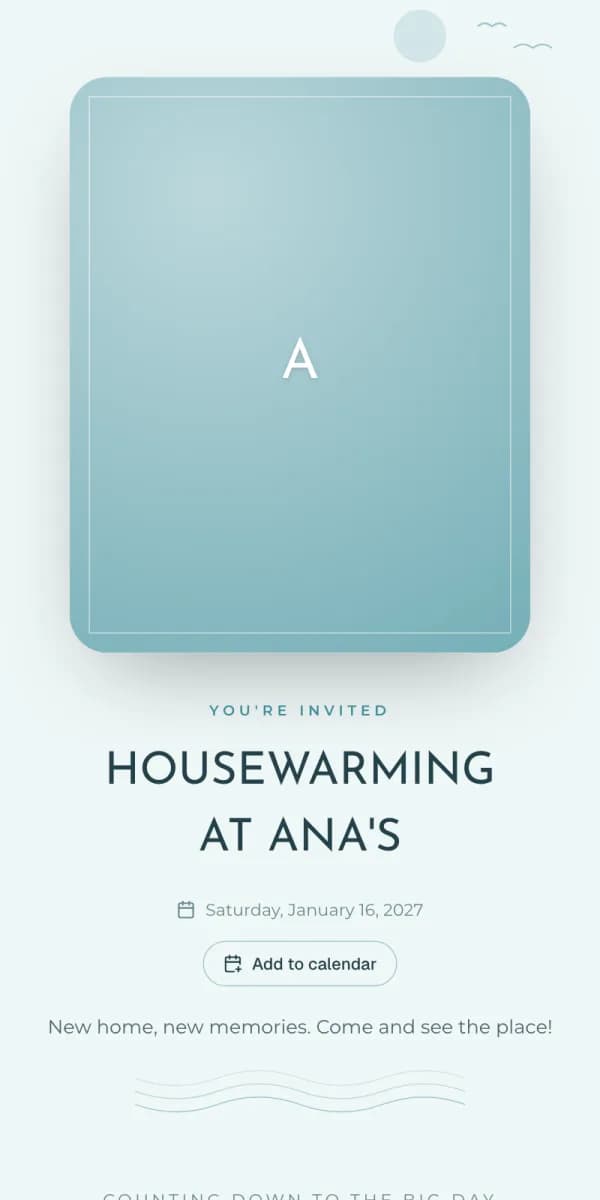

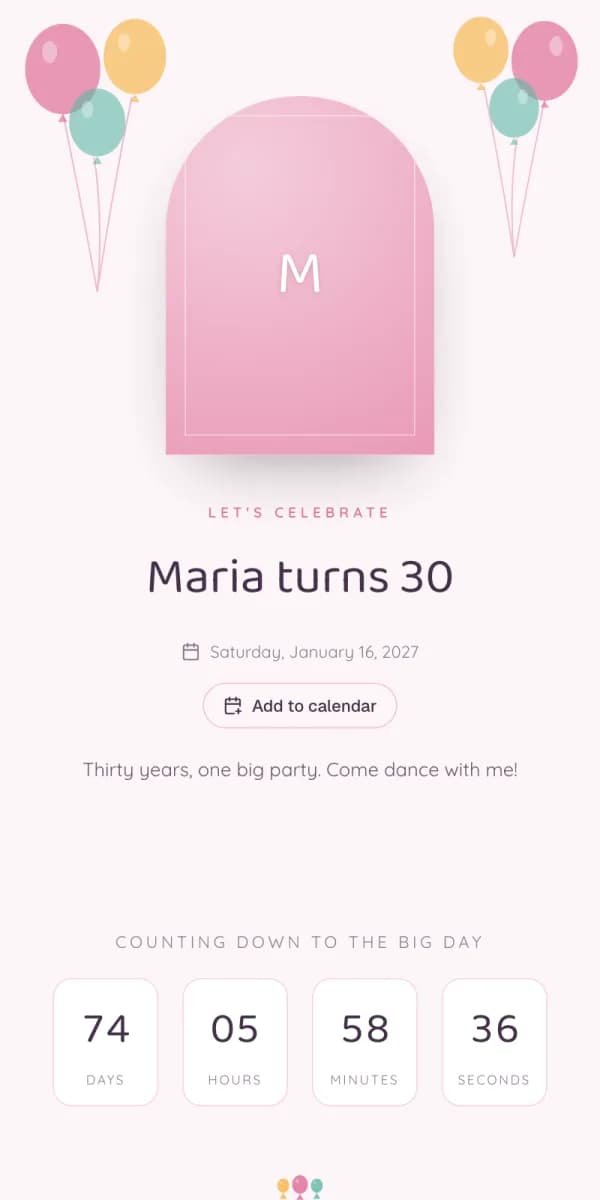
And other custom colors
Simple workflow
Choose your event type and a design; titles and layout adapt automatically.
Click any text to edit it, add a photo, and pick the schedule moments guests should see, with each place pinned on a map. Then preview it as a guest on phone or desktop.
Send one link. Guests confirm in a few taps and you see every answer in your guest list.
FAQ
Yes. Open the live demo, switch templates and event types, and edit the sample invitation. When you create your event, or upgrade an event you already have, your design comes with it.
Yes. There are templates and default texts for baptisms, birthdays, corporate events and any other gathering, and every template works for any event type.
Yes. The invitation is built for mobile browsers, guests don't need an account or an app, and they can add their companions, marking who is a child or an infant.
Yes. Once your seating plan is ready, turn on the “Your seat” section. Each guest who opens their personal link sees their table on the room plan and their own seat. Nobody else sees it.
Yes. Memorama emails you the new replies, at most once an hour: who's coming, who isn't, and who changed their answer. You can turn these emails off in your settings.
Yes. Give a teammate the “Edit the invitation” permission and they can change its design, texts and cover photo. The program and the date have their own permissions: “Edit the day's schedule” and “Change the name and date”.
It points guests to the event album. While uploads are open they can add their photos and videos, and after that they can still browse the album for as long as it's kept.
Automatic RSVP is a premium feature; check the package comparison for current availability.
Explore more
From first invite to final memories
Start planning for free, then bring guests, logistics, and memories into one place.
Start planning for free