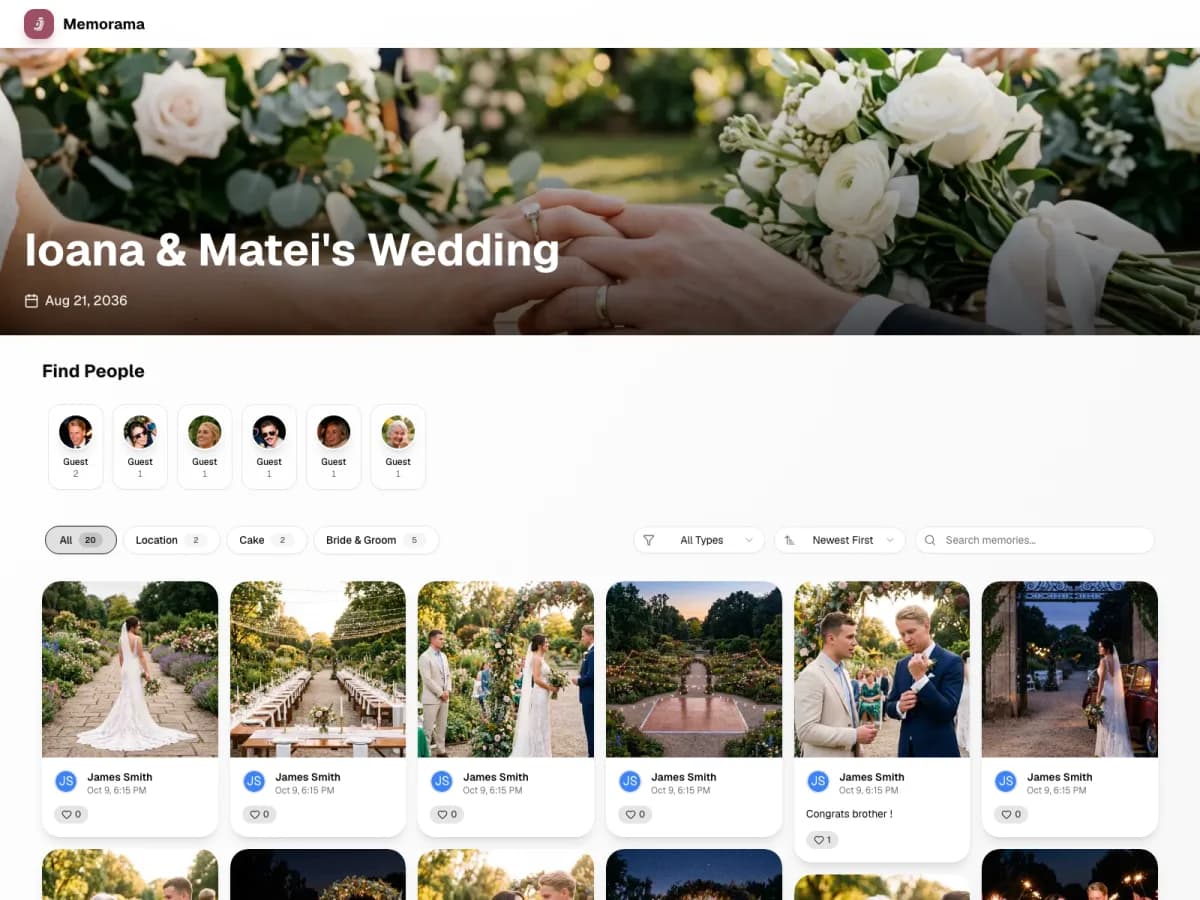
Share your QR code
Display or send the event QR code so guests can open the album.
Collect photos, videos, and messages in one gallery.
Give guests one easy place to share the moments they capture. A QR code opens your event album, where approved photos, videos, and written or voice messages come together in a gallery you can revisit and share. Give it your own look with 6 styles, from Scrapbook to Editorial, plus your own fonts and colors. Before sending, guests can add photo-booth props, crop, straighten, add filters and write or draw on their photos.
Album limits, media types, retention and album styles depend on the selected event package.
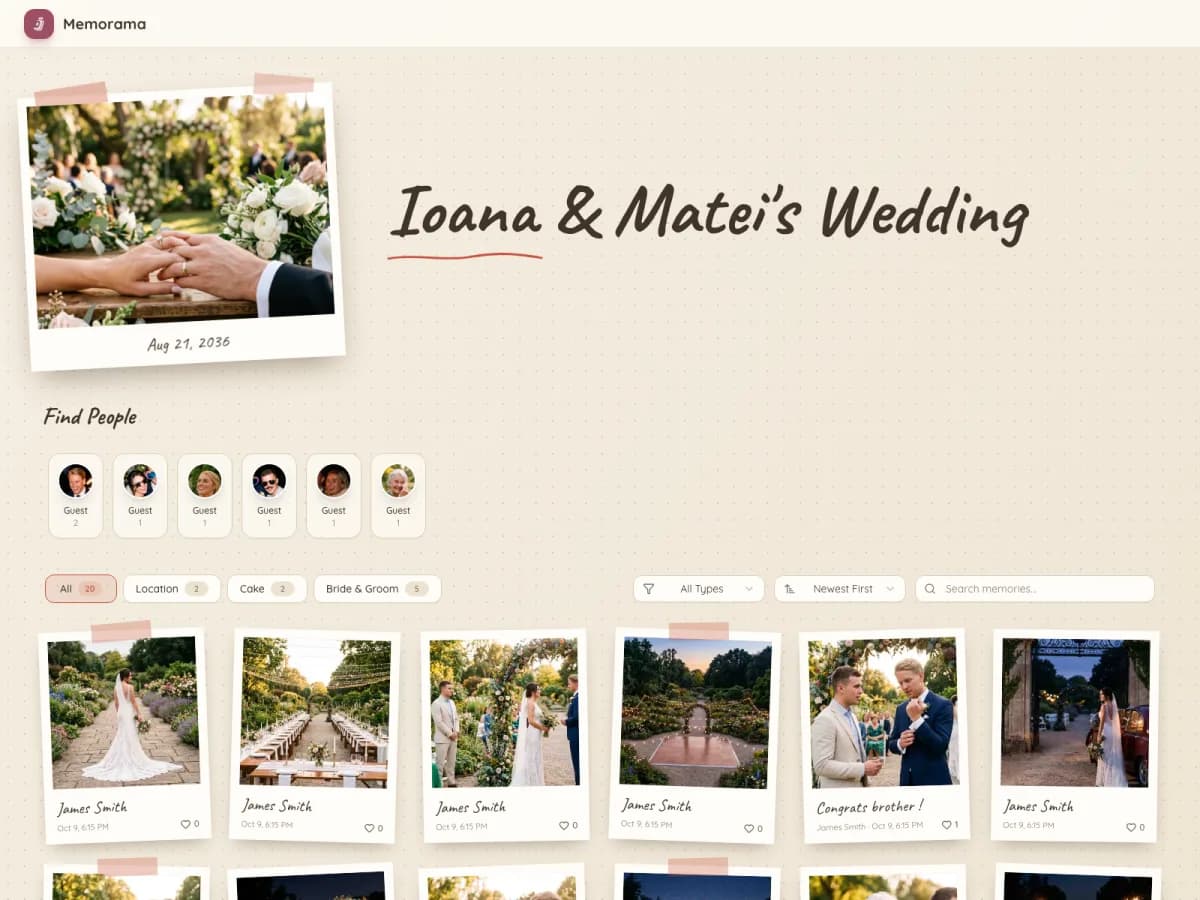
A closer look at QR code memory album.
Made for real event planning
Memorama brings practical tools together, so the details stay organized before the celebration and the moments stay close afterward.
Make it yours
Explore a few examples of how this feature can look as part of your event experience. Tap one to try it live.
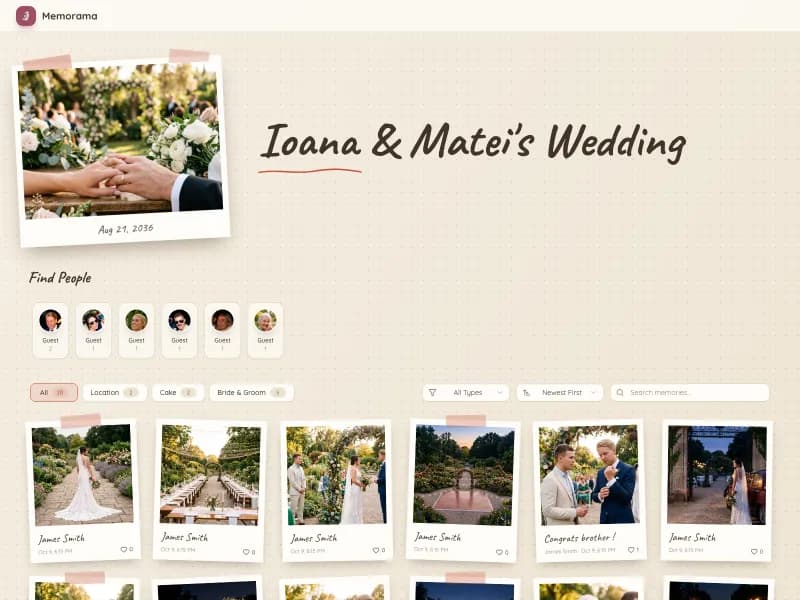
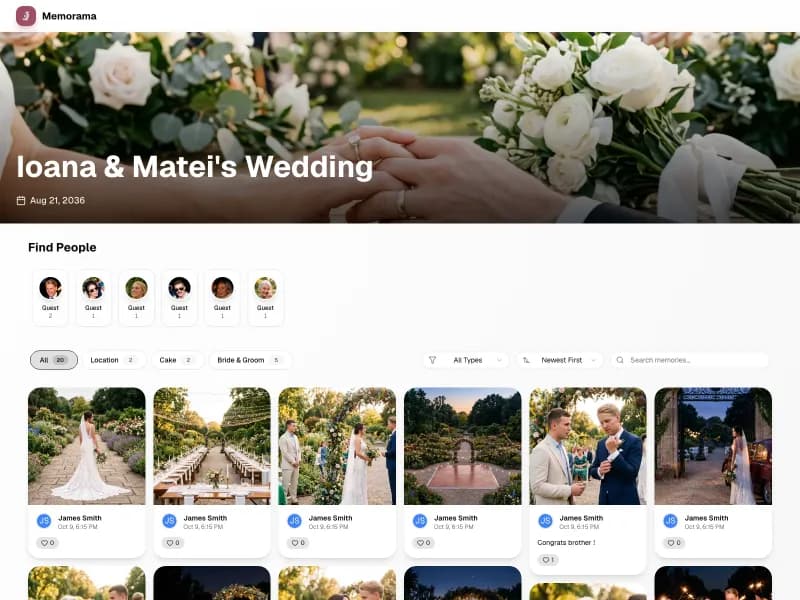
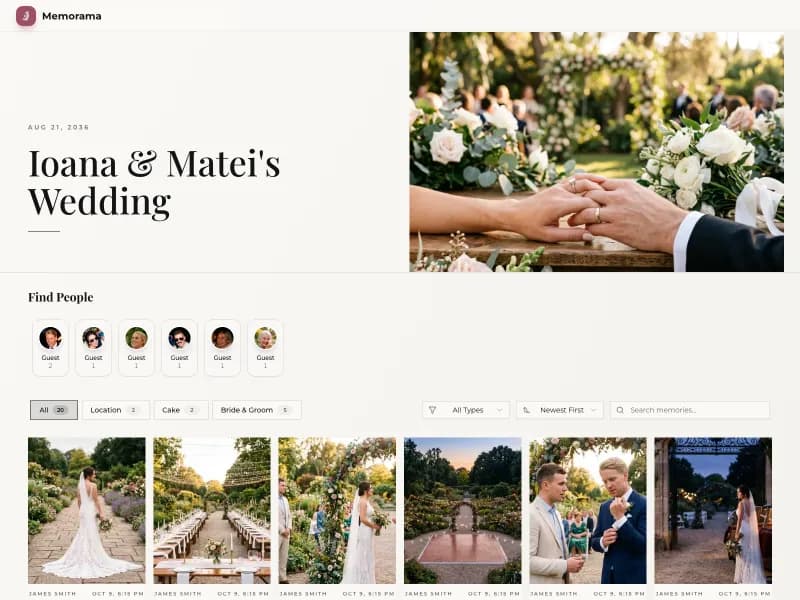
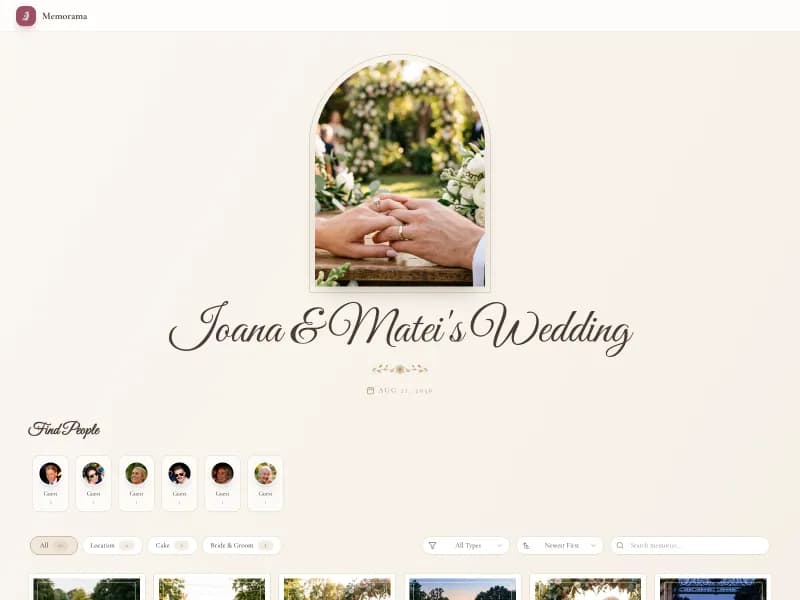
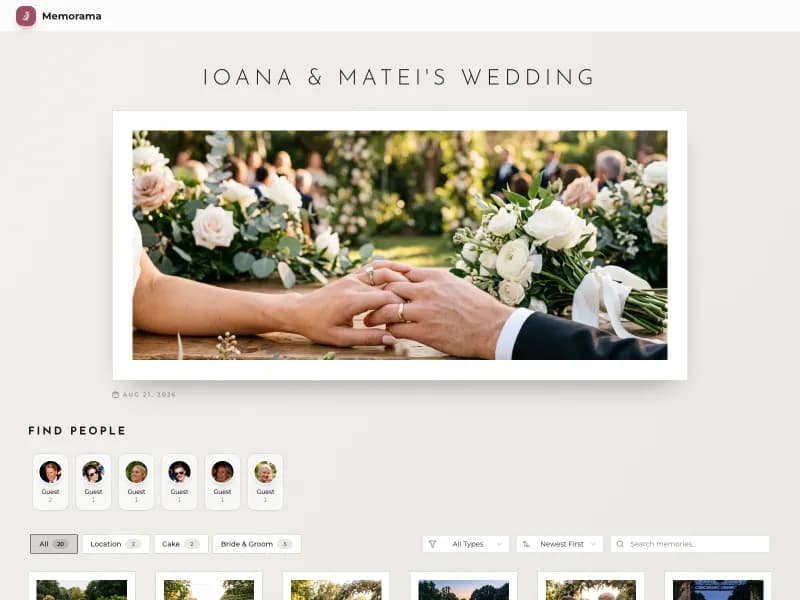
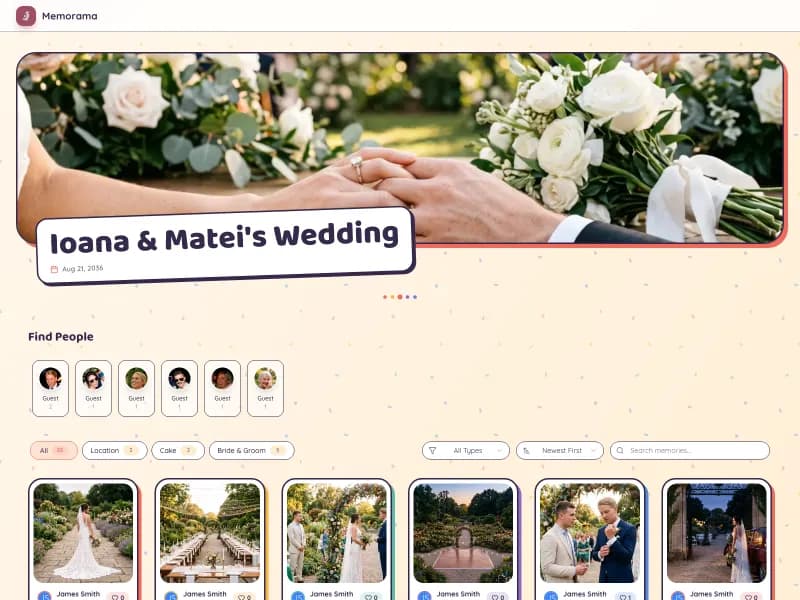
And other custom colors
Simple workflow
Display or send the event QR code so guests can open the album.
Guests upload photos, videos, and messages from their own devices, and touch up photos in the built-in editor first.
Review submissions and browse the memories together in the event album.
FAQ
No. Guests can open the album upload experience from the QR code or shared link in their browser.
Depending on the event plan, guests can contribute photos, videos, and messages, written or recorded as a voice message of up to a minute.
Yes. Guests tap a photo to add photo-booth props such as hats, glasses and moustaches, crop, straighten or flip it, pick one of 12 filters, adjust brightness, warmth and more, or write and draw on it. The editor is included on the Free plan too.
Yes. Album moderation tools let event managers review submissions.
Yes. A guest opens their photo or message in the album and deletes it. Guests who posted without an account are asked to make one first, and everything they added from that phone moves to it.
Large files go up in parts. While they upload, the screen stays on and leaving the page asks first. If an upload still stops, pick the same file again and only the missing parts are sent.
Explore more
From first invite to final memories
Start planning for free, then bring guests, logistics, and memories into one place.
Start planning for free