Finish the seating plan
Seat your guests in the table planner. Menu and allergy answers come from your guest list.
Print the room plan, table lists, a find-your-table board, and place cards.
When the seating plan is ready, print everything the day needs straight from it: the room plan on one A4 or A3 page, table lists with each guest's menu and allergies for the venue staff, an alphabetical “Find your table” board for the entrance, fold-over place cards in your invitation's font, and a catering summary per table. Only confirmed guests are printed by default, and every change to the plan shows up in the next print.
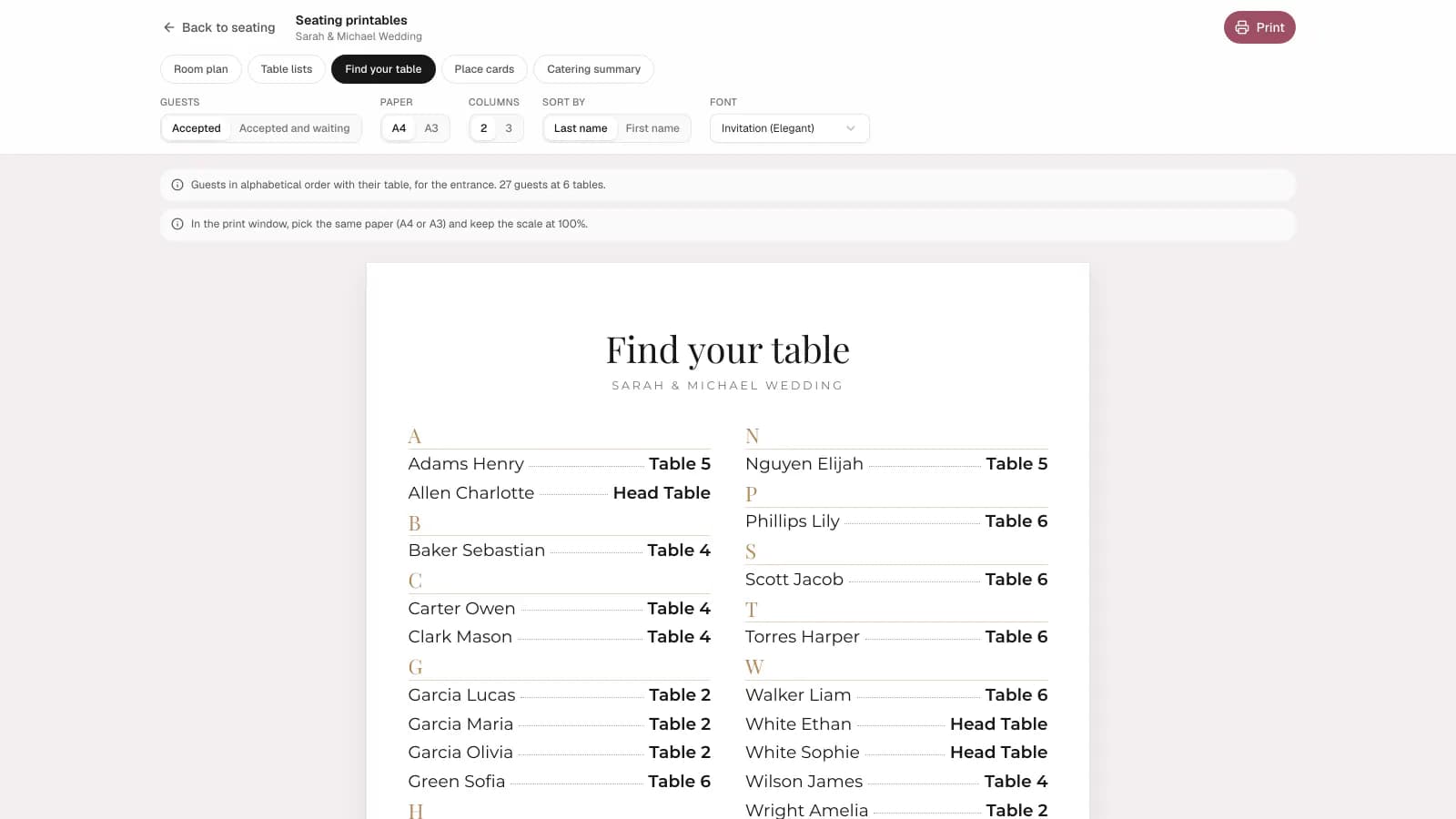
A closer look at printable seating chart & place cards.
Made for real event planning
Memorama brings practical tools together, so the details stay organized before the celebration and the moments stay close afterward.
Simple workflow
Seat your guests in the table planner. Menu and allergy answers come from your guest list.
Choose the document, confirmed guests only or those still awaiting too, the paper size, and the font.
Print at home or save a PDF for the print shop, the venue, and the caterer.
FAQ
Confirmed guests by default. You can add the guests still awaiting an answer, and guests who declined are never printed, even if they still have a seat.
From your guest list's custom fields, such as a menu choice and an allergies question asked on the invitation. You choose which fields to use when you print.
No. Everything prints on regular A4 paper (the room plan and the board on A3 too), and the place cards have cut and fold guides. You can also save a PDF and take it to a print shop.
Explore more
From first invite to final memories
Start planning for free, then bring guests, logistics, and memories into one place.
Start planning for free